Add CSV File to Phone Order
November 26th, 2026
Feature Release:
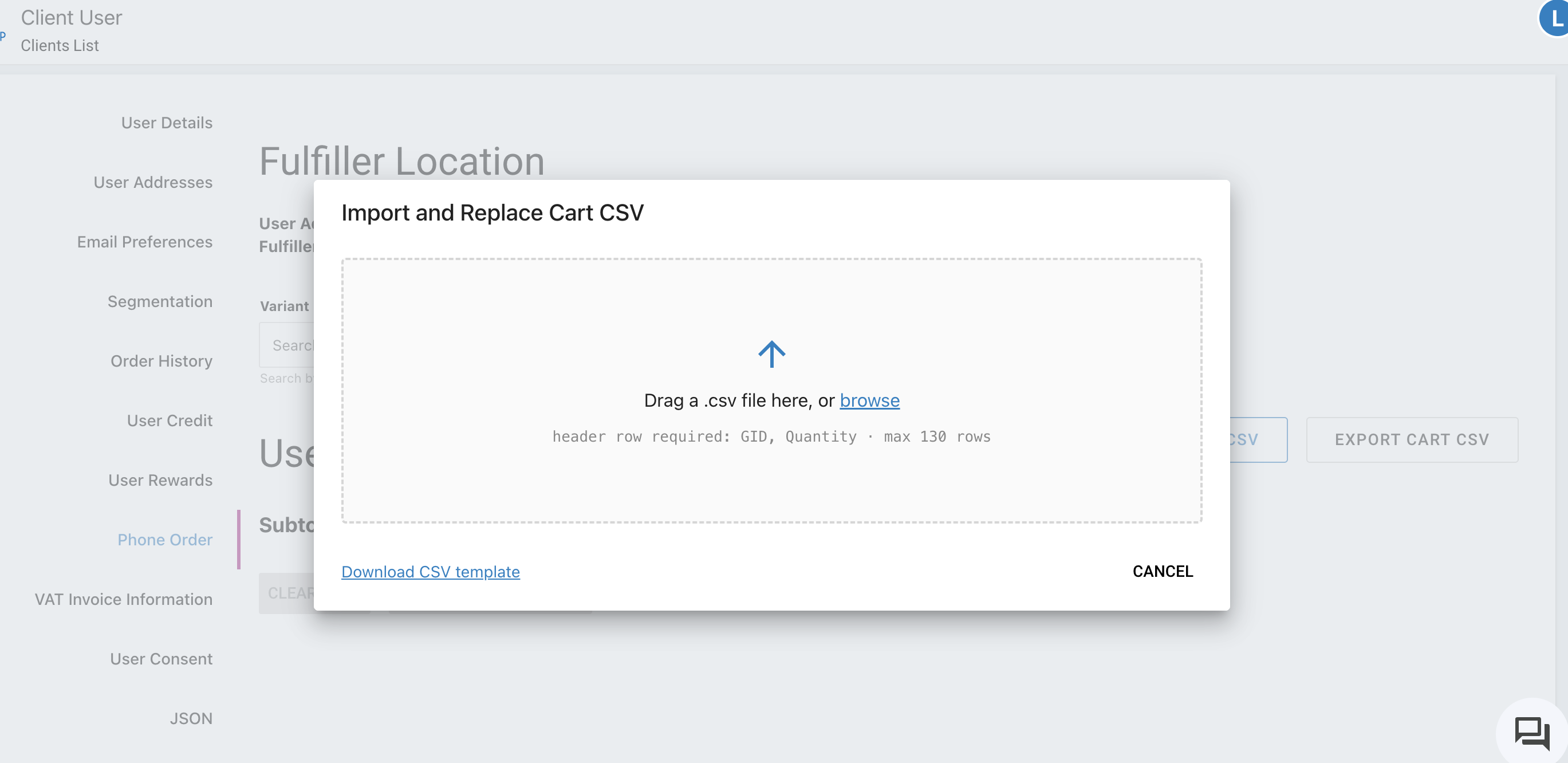
Phone order agents can now export and import cart items in Foxtrot using a CSV file, instead of adding items one at a time - useful for large phone orders.
- Export: an
Exportbutton on the phone order cart generates a CSV of the current cart contents and downloads it to the browser. - Import: an
Importbutton lets the admin upload a CSV to set the cart's contents. This is a full replace, not an append - whatever is in the CSV becomes the new cart.- CSV format: requires a header row with GID and Quantity columns; quantity must be greater than 0.
- Row limits: up to 130 rows for B2C users, up to 250 rows for B2B users.
- Validation: the file is checked against the spec above and against stock/quantity limits before import. If some rows have issues (e.g. out of stock, exceeds max cart quantity), the valid rows are still imported and the problem rows are flagged for the admin to review.