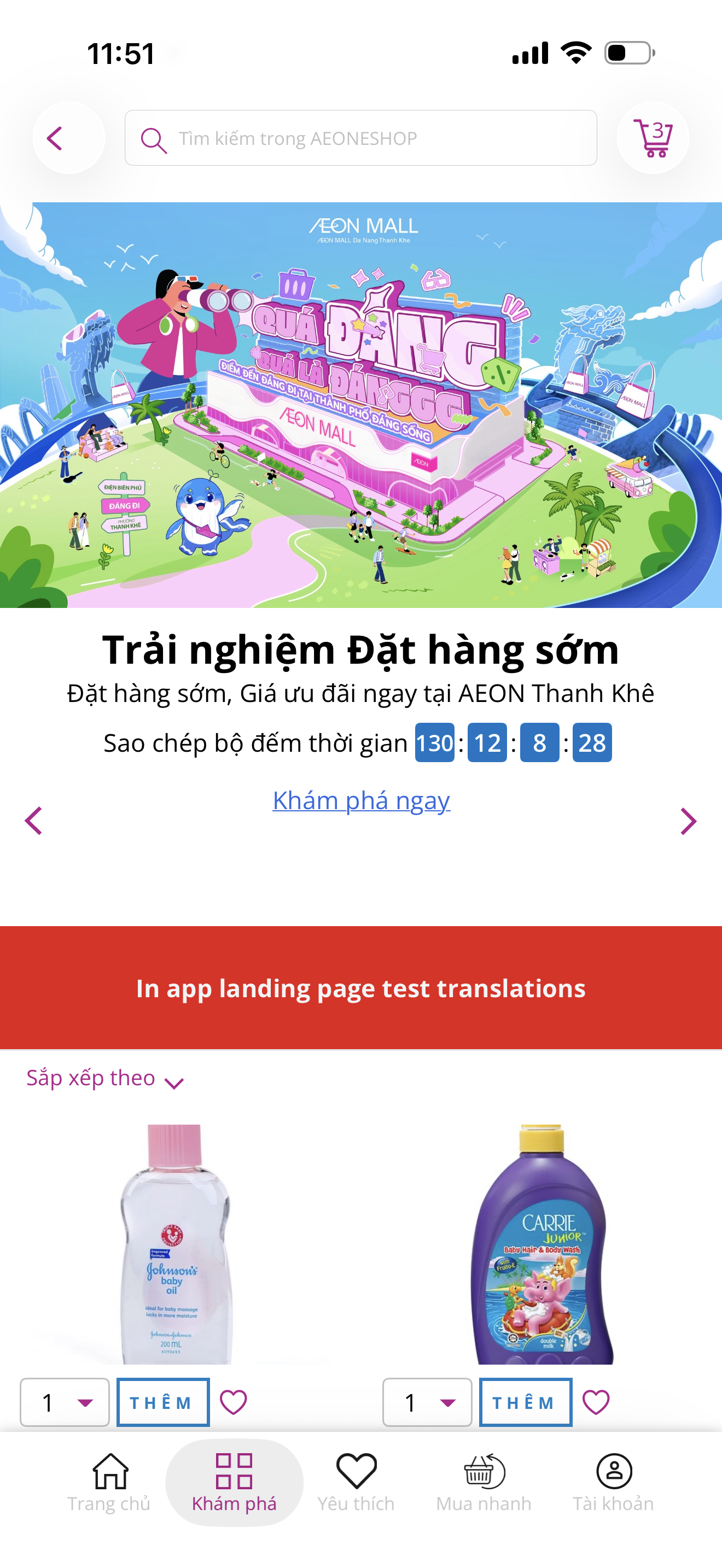
Marketing Sponsor Blocks - Category page
August 21st, 2026
Feature Release:
-
This feature allows admins to configure the modules displayed at the top of category pages, such as a promotional banner, a Hero SKU carousel, a PLE, or all of them, making them immediately visible to shoppers when they browse.
-
How it works:
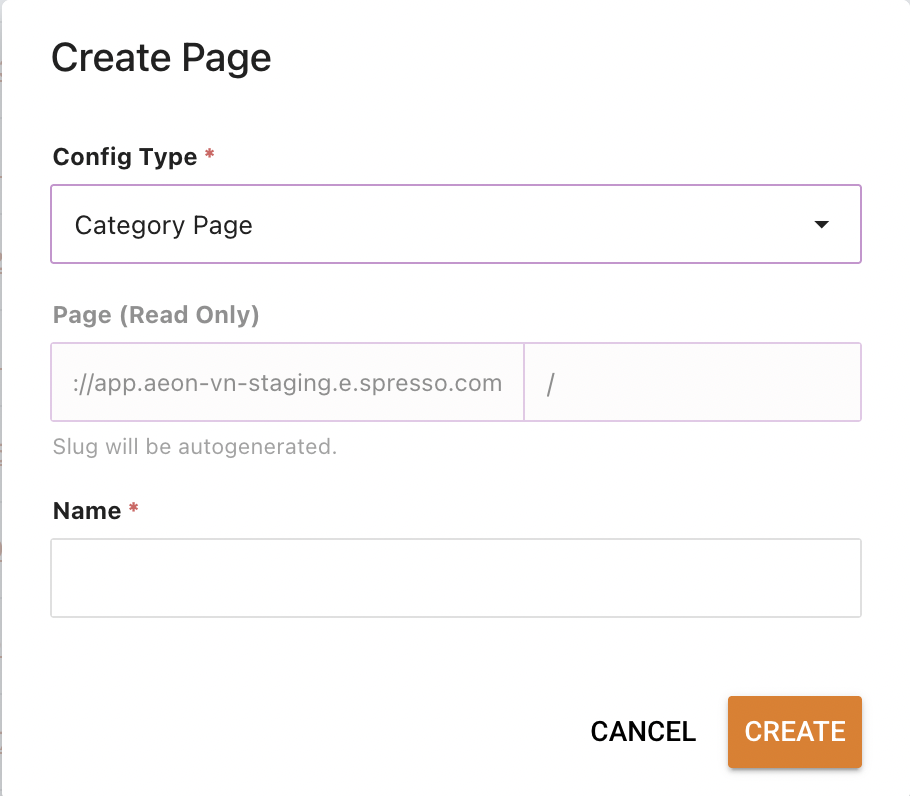
- Create a Category page in Foxtrot > Pages
- Create new page → select "Category page" type
- Support multiple Category pages created
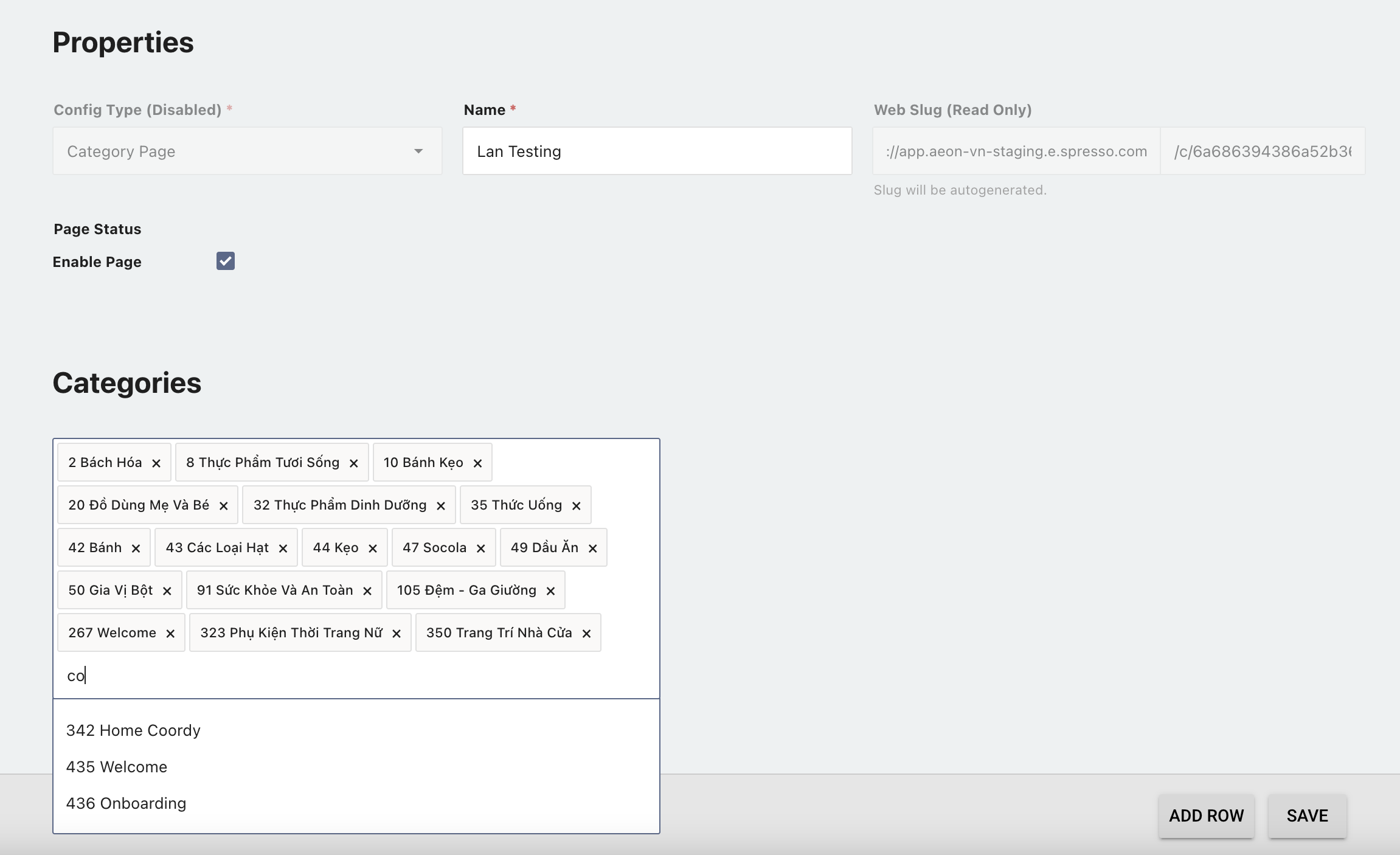
- Link Category groups to the page
- Open the Category page → search then select Category groups to link
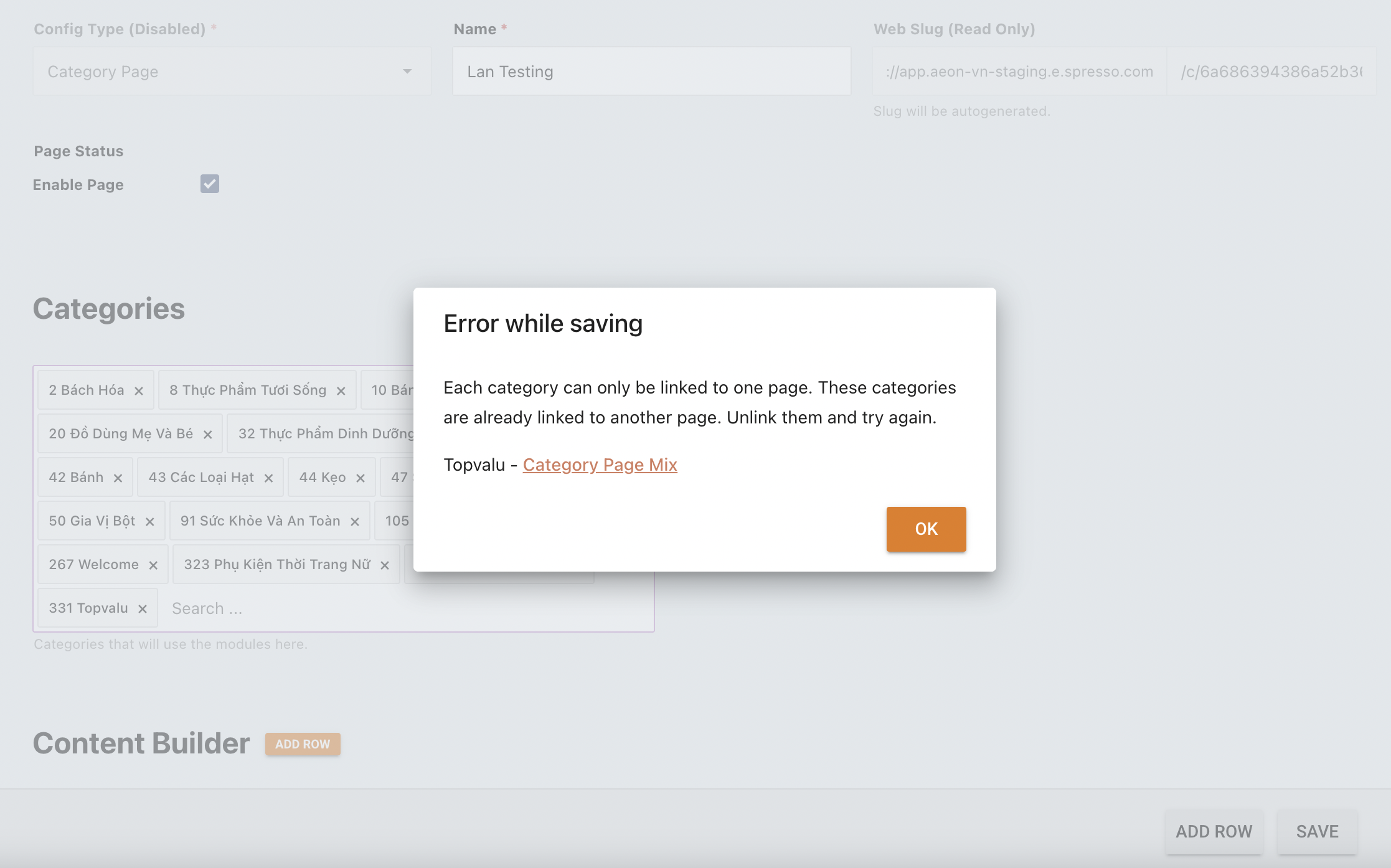
- 1 Category page can be linked to multiple categories
- 1 Category group can be linked to only 1 Category page
- Setup modules
- Support max 3 modules per Web/Mobile Apps
- Support max 1 of each type per Web/Mobile Apps
- The fields for each module will be the same as those currently supported by the corresponding module on Web and Mobile Apps.
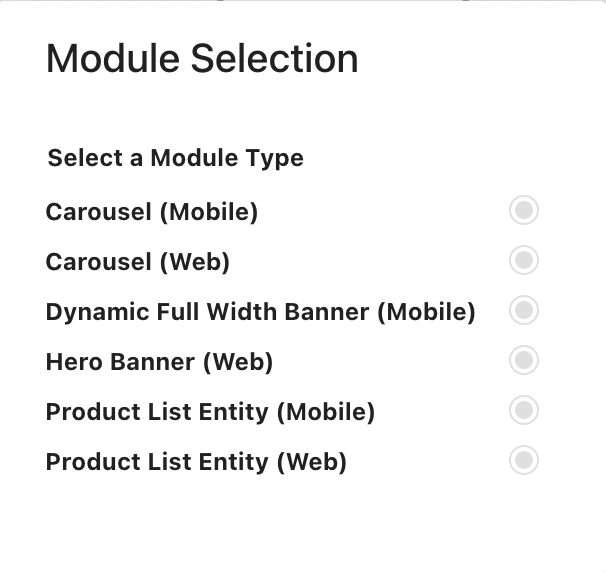
- View Category page linked to Category group
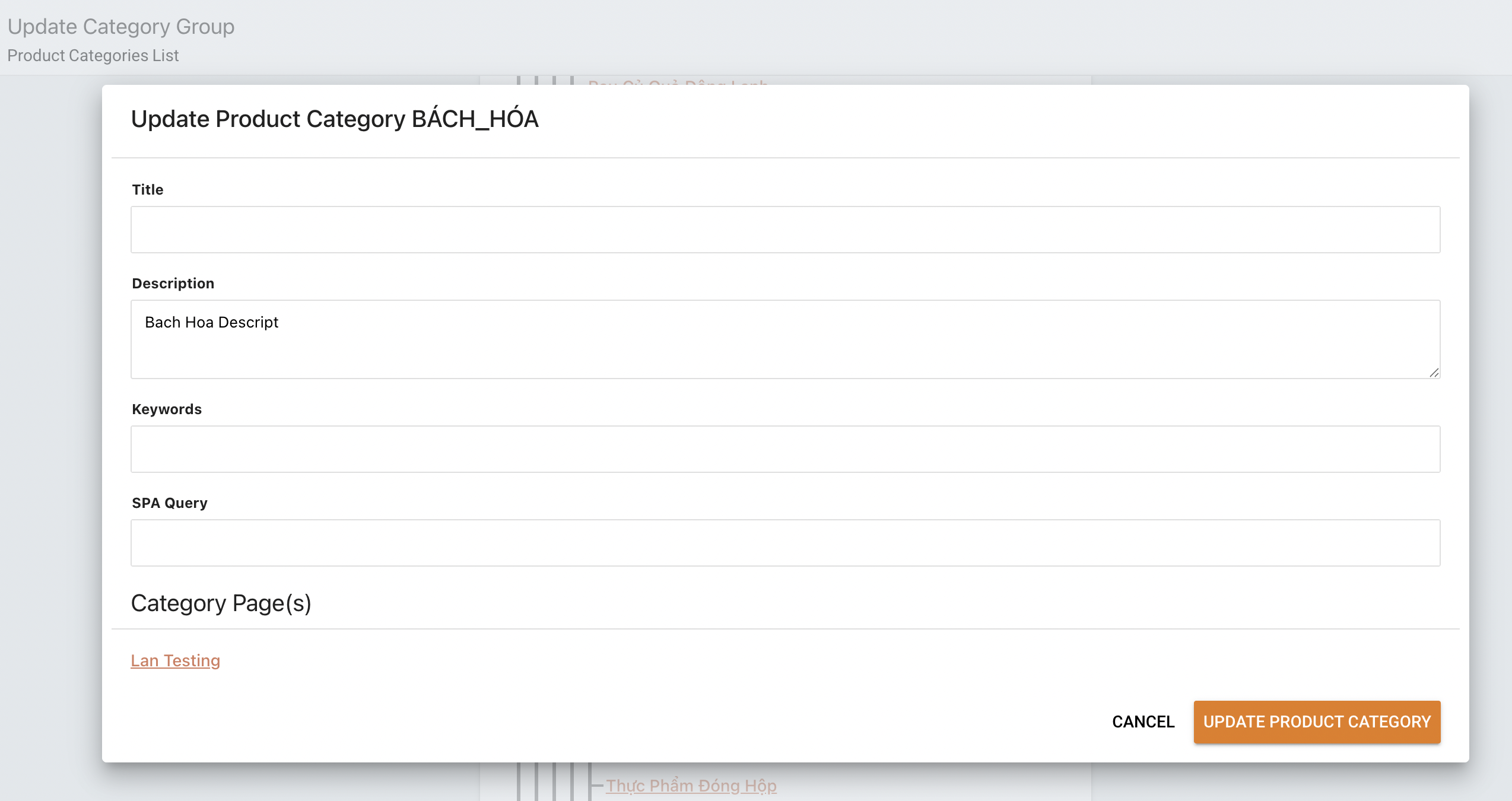
- Open the Foxtrot > Category Group → select category
- If the category group is linked to a Category Page, the page link will be displayed at the bottom of the Update modal.
- Create a Category page in Foxtrot > Pages
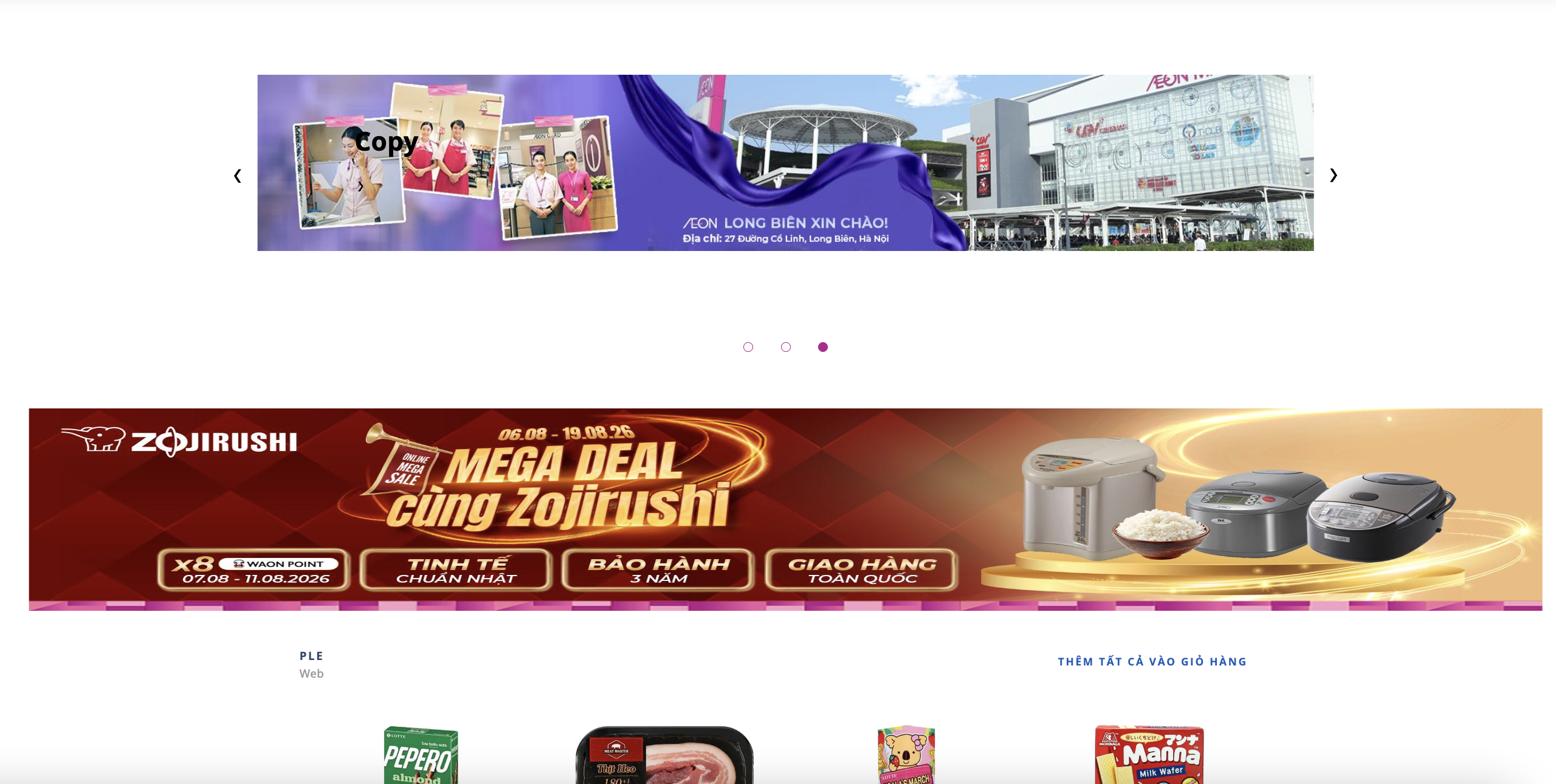
- Category pages on platforms
- Web:
- Mobile apps: