Page Background Color
August 21st, 2026
Feature Release:
-
Allow admin to set a custom background color behind page modules, so campaign and landing pages can be themed beyond the default white background.
-
Scope: Home page, Landing page, Brand page, Blog page
-
Out of Scope:
- other page types
- image background
- header & footer
-
How it works:
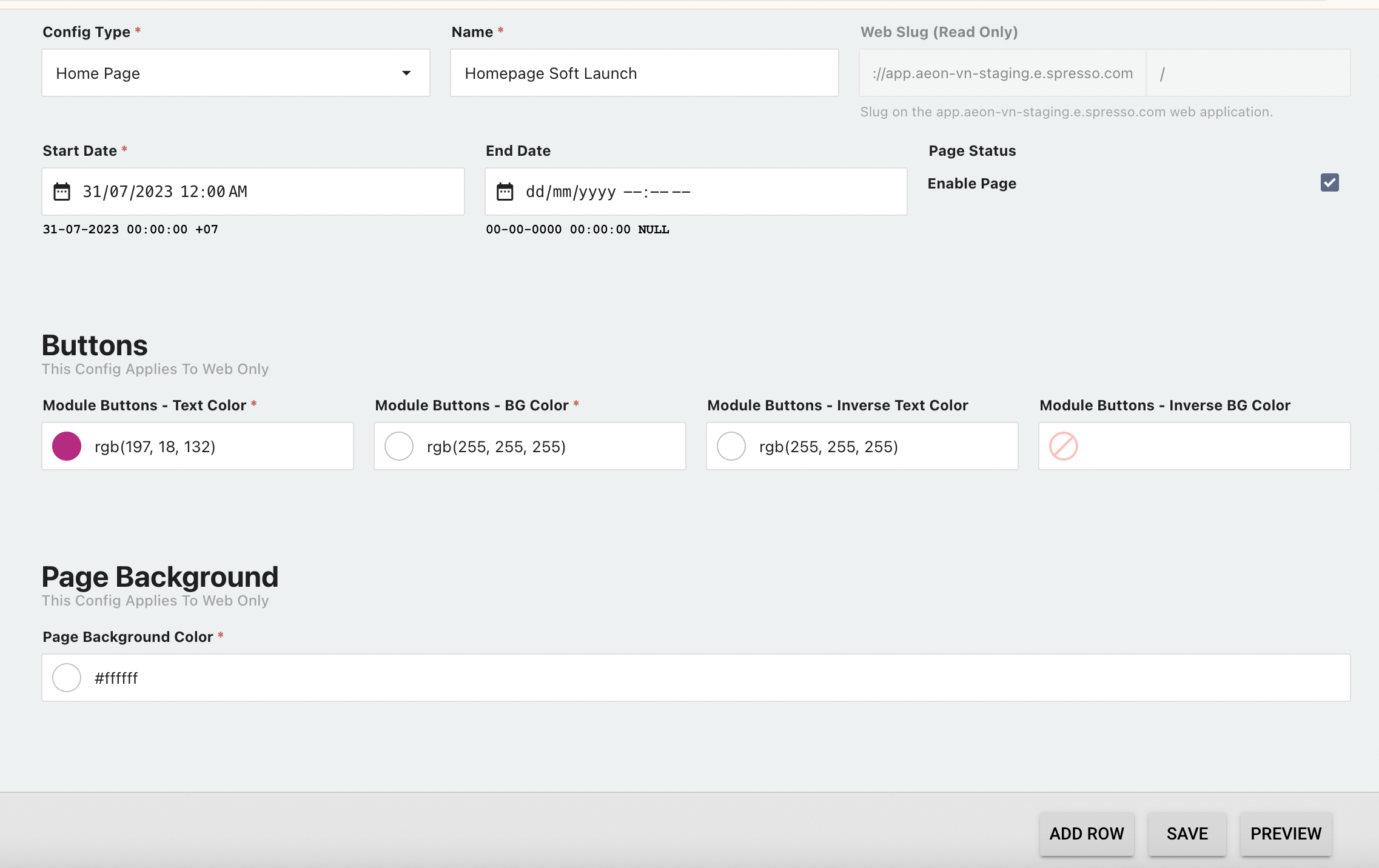
- Set the background color in Foxtrot > Pages
- Open a Home, Landing, Brand, or Blog page → enter a hex code in the new "Page background color" field
- The default color will be white (#FFFFFF) - no visual change
Color applies to non-full-width modules only - Full-width modules (e.g. CTA list grid, Tabular) keep their existing predefined background and are unaffected
- View on Web:
- The selected color renders behind non-full-width modules across desktop and mobile web
- Set the background color in Foxtrot > Pages